Today, we’re going to learn how to research something on the internet using the site Kiddle.
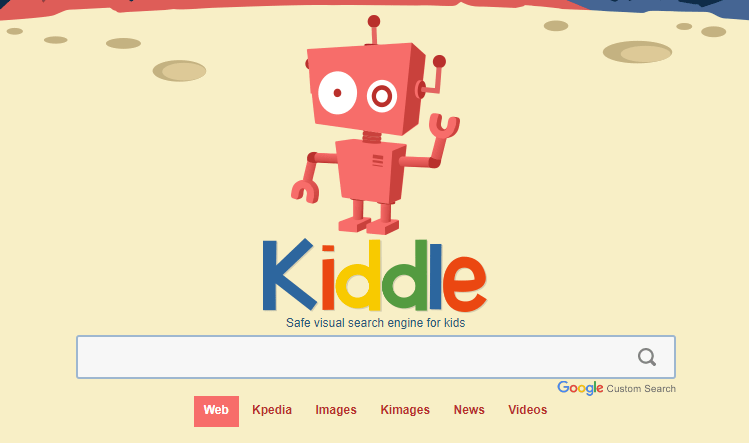
Kiddle is a kid-friendly search engine that should bring up results that are credible and easy for younger students to read / comprehend.
Today, we’re going to do some research on mammals.
First, we’ll click in the search box and type “mammals”. Then click the magnifying glass or hit the “enter” key on your keyboard.
You’ll get search results that are similar to these (search link). Let’s look at them together. I like to go through and open a few in new tabs so I can quickly see which one I like the best. To open a search in a new tab “right click” on the name of the page (you may need to tap with two fingers) and then click on “Open link in new tab”.
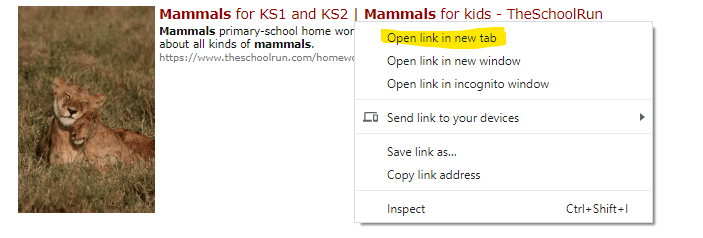
Now you’ll be able to see the web page on another tab at the top of your Chrome screen.
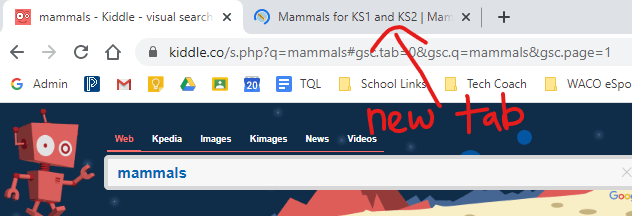
Having multiple tabs of different websites open allows you to quickly switch between them to decide which one will be best for you to use. When doing research, it’s a good idea to get information from multiple sources to make sure it all matches up. Let’s look at and read through the first web-page together. Then, you can work in groups to read through a second site to see if the information matches the first.
Some questions you should think about while you’re reading:
- What makes a mammal a mammal?
- How are mammals different from other types of animals (like reptiles, insects, amphibians, or birds)?
- What are some examples of animals that are mammals and animals that aren’t mammals?
 MrAyrit's Teaching Stuff